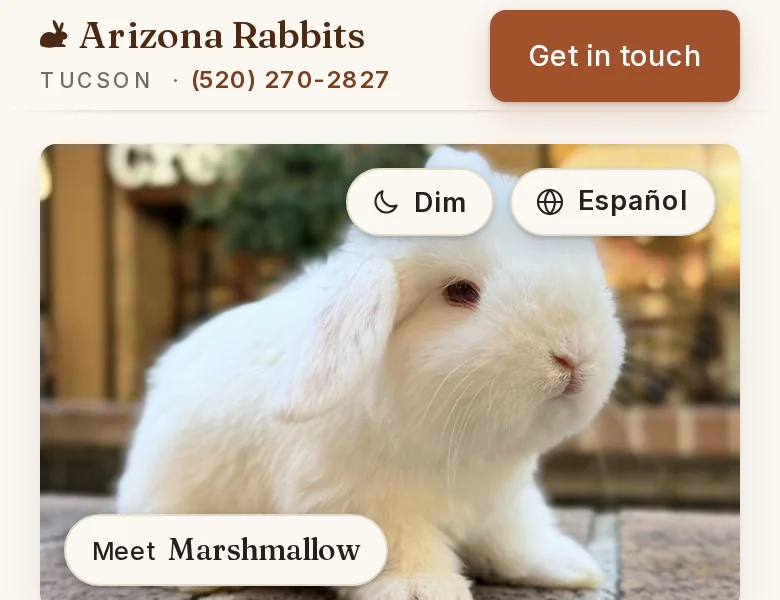
The two buttons on the front page's photo are circles now.
They open to show their words when you arrive, then close so the photo has room. Dim still works with one tap.

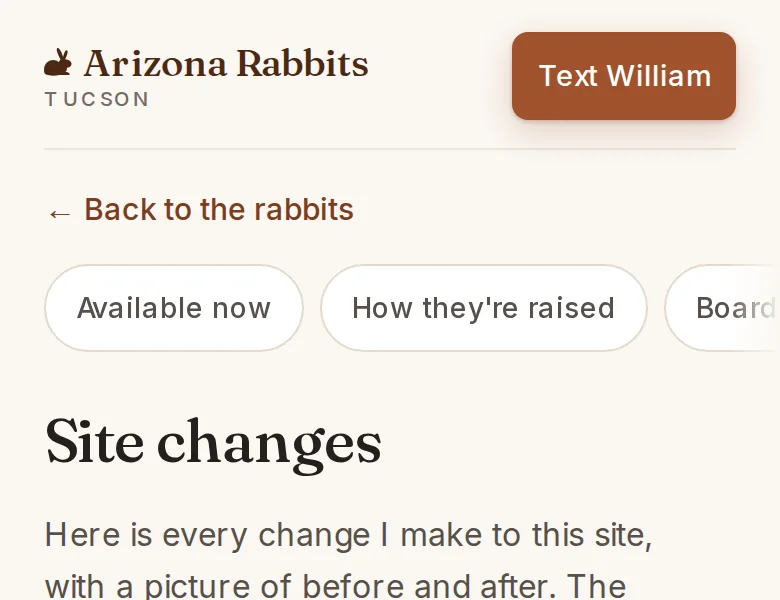
Here is every change I make to this site, with a picture of before and after. The newest is first.
Site version 2026.10.12f
The two buttons on the front page's photo are circles now.
They open to show their words when you arrive, then close so the photo has room. Dim still works with one tap.
Site version 2026.10.12e
This page shows every change to the site.
Each change has a picture of before and after. The newest is first, and older ones fold away.
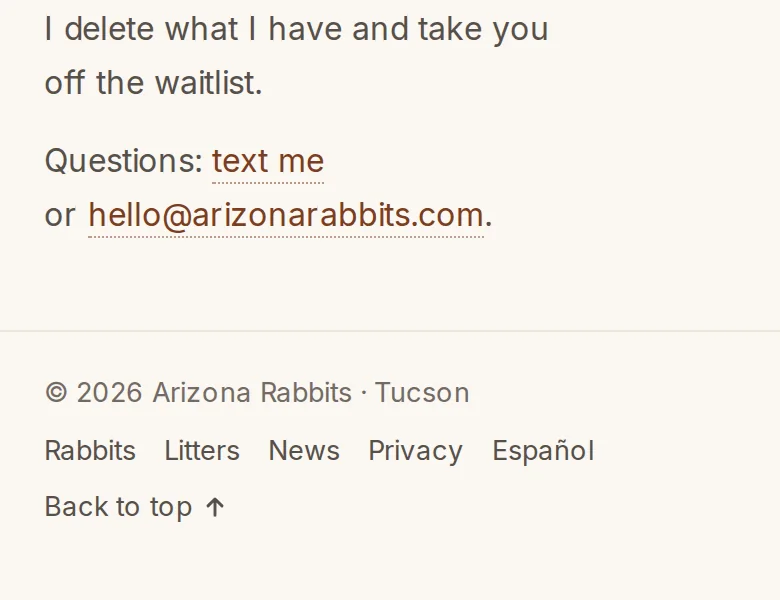
Every page links here from the bottom.
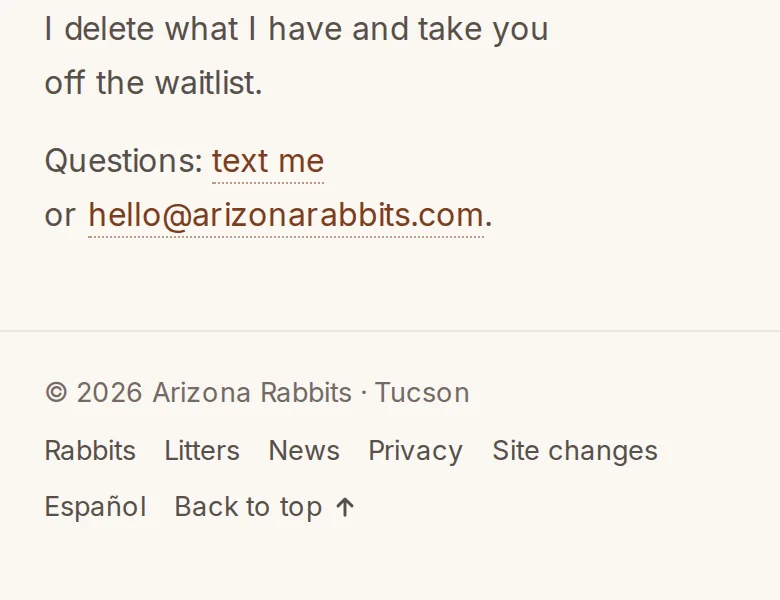
Site changes sits in every footer, after the terms. The News page says where it is too.
Site version 2026.10.12d
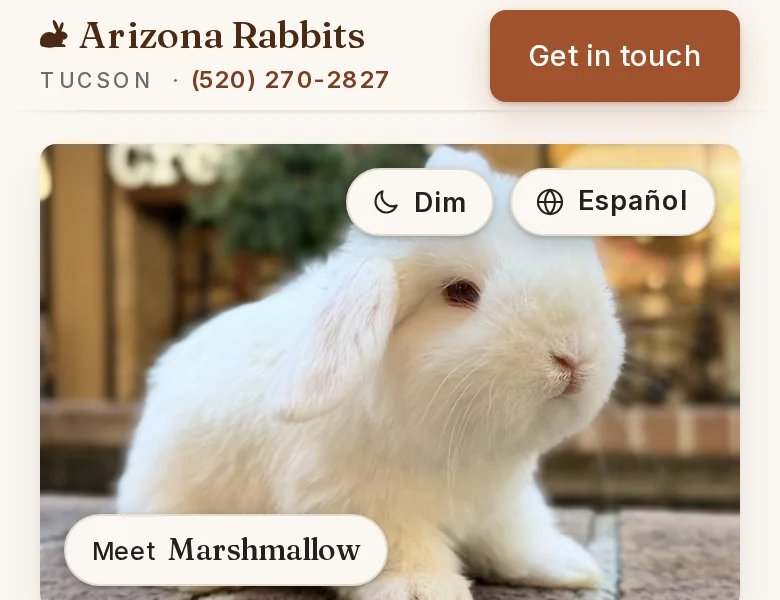
Dim is at the top of every page.
On a phone it sits on the photo, next to Español. On a computer it is the moon in the menu. The page keeps your choice on this device, and you don't need an account.

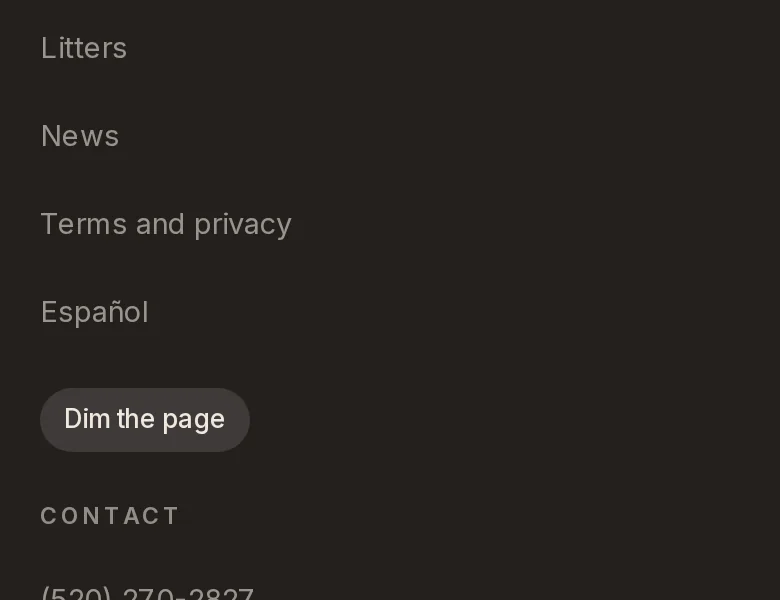
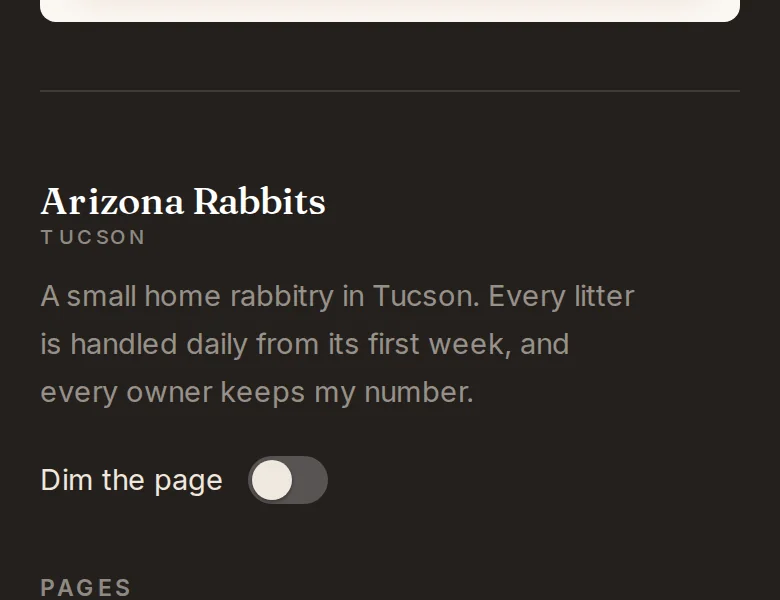
At the bottom of the page, Dim is a real switch.
It sits under the name, where a site keeps its settings. It used to be a button under the list of pages.
On a computer, a round arrow takes you back to the top.
It shows while you scroll fast and fades slowly once you stop. The first time, it says Back to top.